
Password Manager for desktop and mobile. Offline, private and secure.
OneCritto protects your passwords, files and private notes with modern encryption on desktop and Android devices. Your data stays under your control: no account, no cloud, and no sensitive information transmitted to external servers.
New in 2.10.0: send your passwords to the OneCritto app for Android in an encrypted file, over a USB cable. No cloud, no account — and the phone never needs an internet connection. See how it works.



Current release: v2.10.0 (2026-08-07). Free, no account, no subscription. See changelog on GitHub.
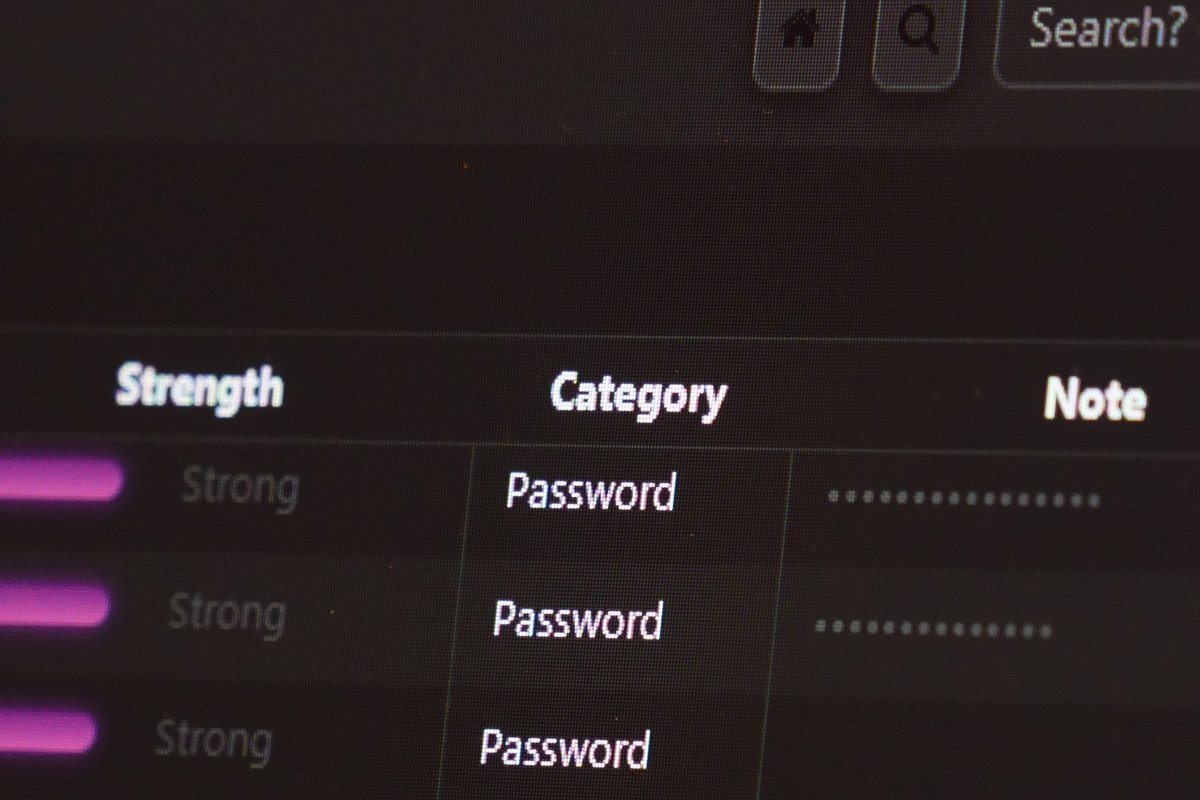
Designed for security. Built for performance.
OneCritto protects your most sensitive information with modern encryption and a focused desktop experience.Everything runs locally on your device.
AES-256-GCM + Argon2id
Every record encrypted with unique IV and salt. Master key derived via Argon2id. Authenticated encryption with HMAC-SHA256 integrity.
One Vault, Everything Protected
Passwords, files, notes and SSH connections in a single portable .onecritto file. Copy it, back it up, carry it anywhere.
Sentinel — Security Engine
Scores every password 0–100, flags weak, common and duplicate credentials, builds a prioritised rotation plan, and coaches you with per-entry tips sorted by severity. Includes a strong (8–40 chars) and mnemonic password generator.
Breach Control
Checks passwords against Have I Been Pwned via k-anonymity. Your passwords never leave the device.
Encrypted File Storage
Store any file inside the vault — IDs, certificates, private keys, contracts. Each file is encrypted with AES-256-GCM streaming, never fully loaded in RAM. Open, export or secure-wipe with one click.
100 % Offline, Zero Cloud
No sync, no telemetry. Clipboard auto-cleared after 20 s, session locks after 3 min.
SSH Connection Manager
Store encrypted SSH keys, configure connections and launch sessions with one click. Keys are securely wiped on exit.
CSV Import
Import from 10 managers (Chrome, Firefox, Bitwarden, KeePass, LastPass, 1Password, Dashlane, NordPass, Proton Pass, Safari) with smart field mapping.
CSV Export
Export selected entries to a UTF-8 CSV (name,url,username,password,note)
via a checkbox picker. Round-trip compatible with the import flow.
Note: the file contains plain-text credentials — store it safely and delete it when no longer needed.
Mobile Export to Android
Send selected password entries to the OneCritto app for Android as an encrypted .onecritto-vault file, copied over a USB cable. Pairing takes one tap and an 8-digit code you compare on both screens.
Sealed with HPKE (RFC 9180) and AES-256-GCM for one phone only: the key that opens the file is generated inside the phone's security chip and never leaves it. The Android app has no internet permission at all.
One-way export, not sync. Requires Android 12+ and a desktop running Windows or Linux for automatic phone detection. Encrypted files and SSH connections stay on the computer.
Secure Temp Cleanup
One-click wipe of decrypted temp files. Every file is overwritten with random data before deletion (secure wipe).
Compatibility
Windows 11 and Linux. 64-bit CPU, 8 GB RAM, 200 MB free storage.
Companion app: OneCritto Mobile 1.0.1 for Android 12 or later.
Free and open source.
OneCritto is completely free and open source. Every download is the full edition.
OneCritto is a hybrid hub: open source at its core, with paid products and services for enterprise needs. Open to new partnerships in software security.